













WordPress Stripe Payment Forms

Get Paid Without Building a Store

While most payment tools push you into a full online store, you’ll have a Stripe payment form for secure payments inside WordPress. No checkout tools or coding needed.

Everything You Need to Accept Payments Online

Forget expensive checkout tools. It’s easier than you think.

Stripe Checkout Built In

Accept credit cards and debit cards directly on your WordPress forms.

No Extra Transaction Fees

Keep more of every sale. Pro and Elite add zero WPForms fees on top of Stripe’s rate.

Recurring Subscriptions

Charge weekly, monthly, or yearly for memberships, retainers, and subscription products.

Apple Pay and Google Pay

Let customers pay with mobile wallets and Stripe Link in one tap.

Conditional Payment Logic

Change pricing, totals, and fields based on what people select. No code.

Refunds From WordPress

Issue refunds and view full payment history right inside your dashboard.

PCI Compliant and Secure

Card details go straight to Stripe. Your site never stores sensitive data.

Coupons and Discounts

Run promotions with fixed or percentage coupon codes on any payment form.

Works With Your Stack

Send every payment to your CRM, email list, and Google Sheets automatically.

One Stripe Form. Every Way to Get Paid.

From a single product sale to monthly memberships, WPForms handles it.

Sell Products

Create a simple order form and accept Stripe payments for products without building a full online store.

Animated WPForms Stripe order form filling in with a live order total

Collect Donations

Let supporters give a one-time or recurring donation to your cause through a Stripe form.

Animated WPForms Stripe donation form with preset amount tiles

Run Memberships

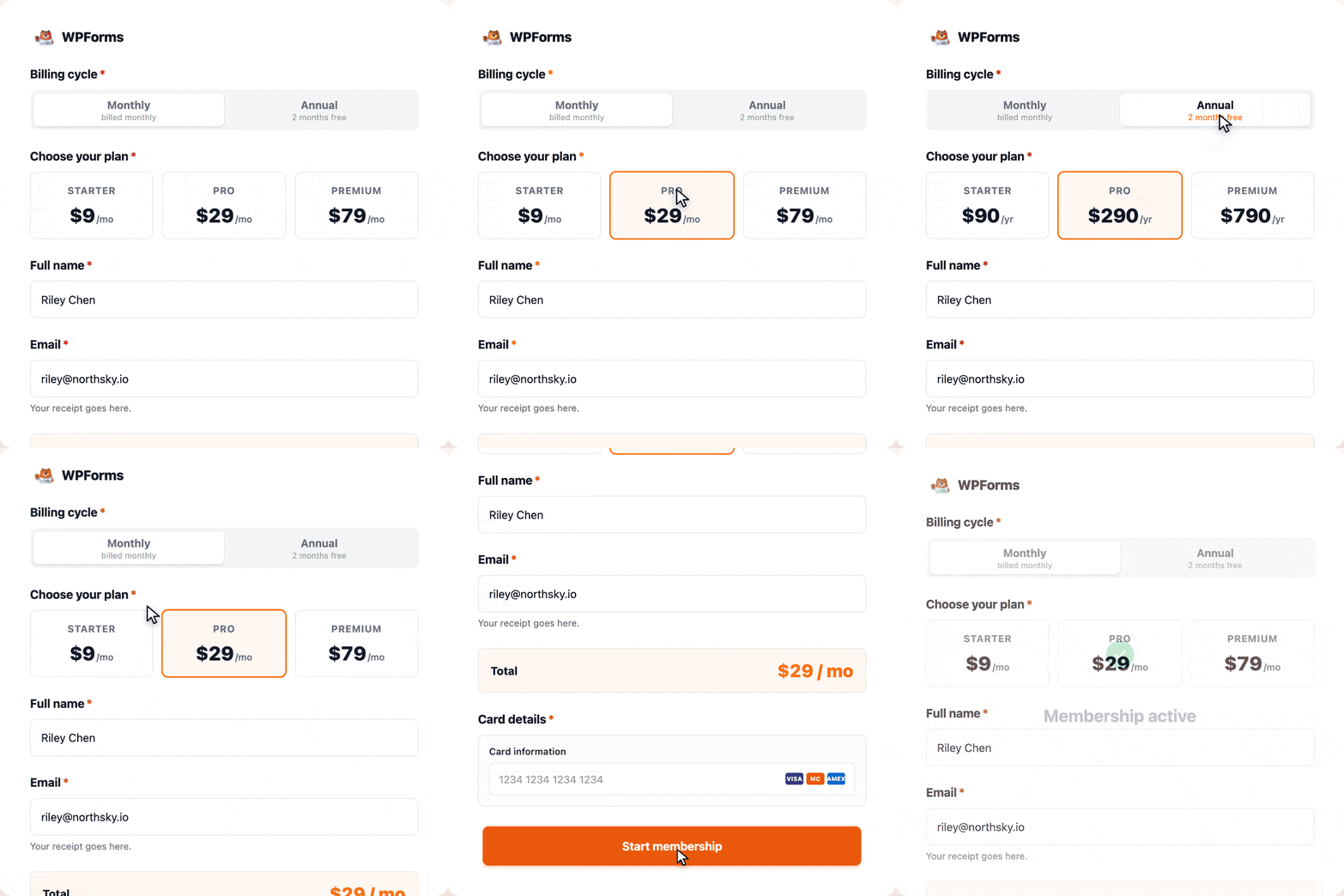
Charge recurring Stripe subscriptions for memberships, online courses, and service retainers.

Animated WPForms Stripe membership signup form with plan options

Invoice and Deposits

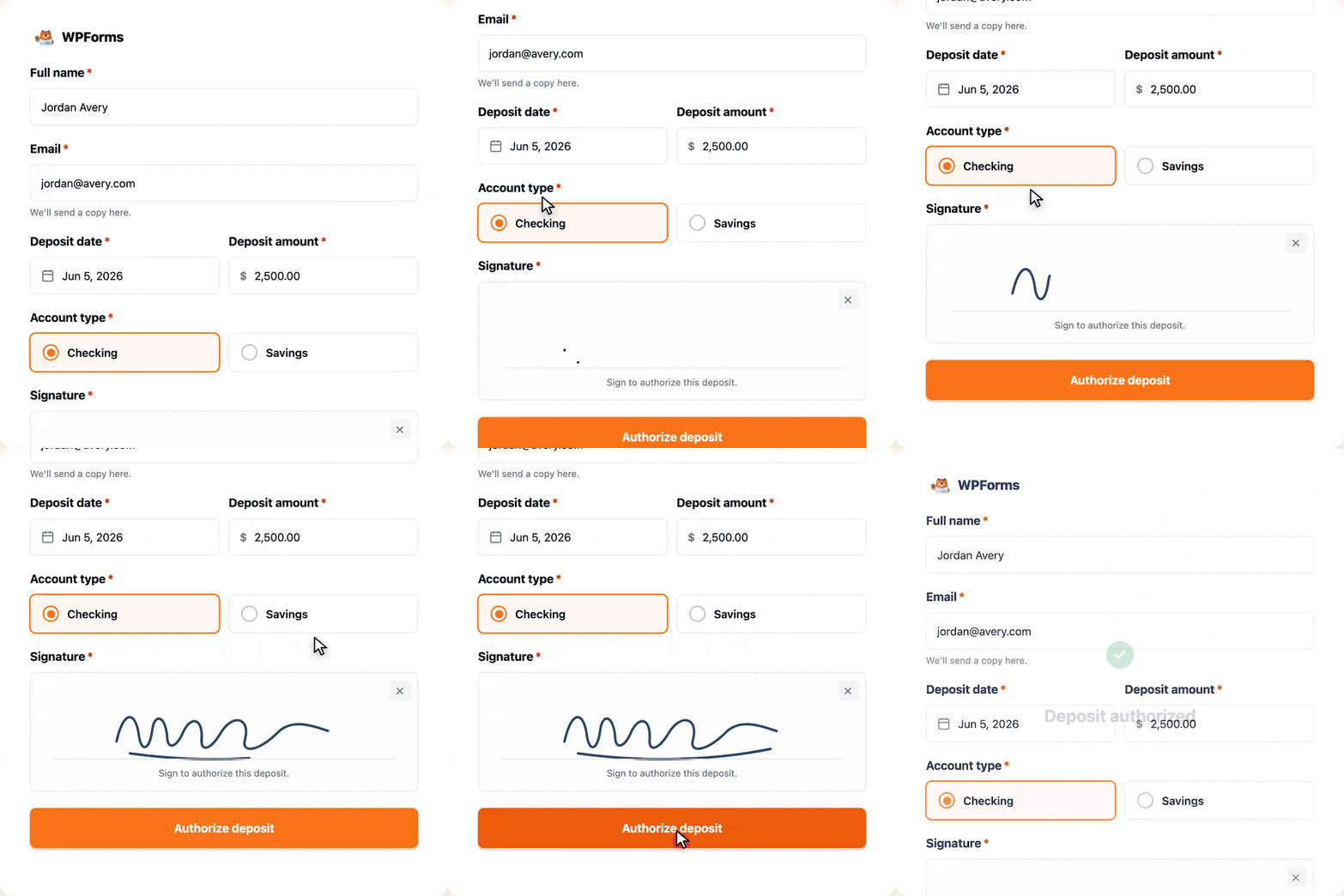
Send a payment form for invoices, dues, and deposits, paid securely by card.

Animated WPForms Stripe deposit and invoice form with a signature field

Why 6,000,000 Websites Trust WPForms

The simplest way to accept payments on WordPress.

Accept Stripe payments on a WordPress form without building an online store

Skip the Online Store You Don’t Need

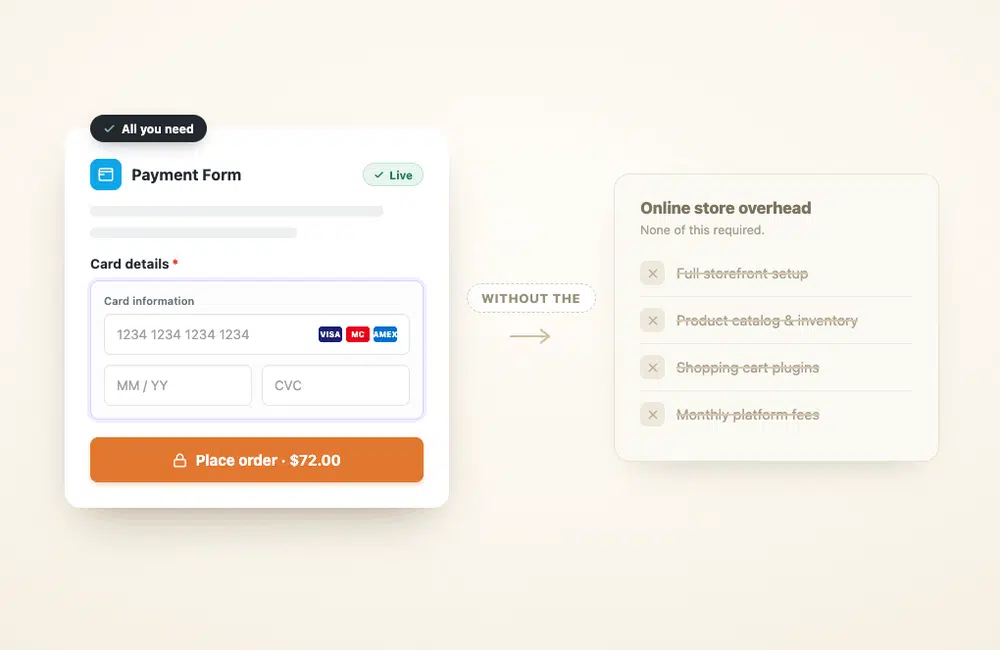
You do not need a full ecommerce platform to accept one payment. Add a Stripe payment field to any form and start collecting credit cards in minutes. No store to build, no catalog to manage, no separate platform fee every month.

Forms and Payments in One Plugin

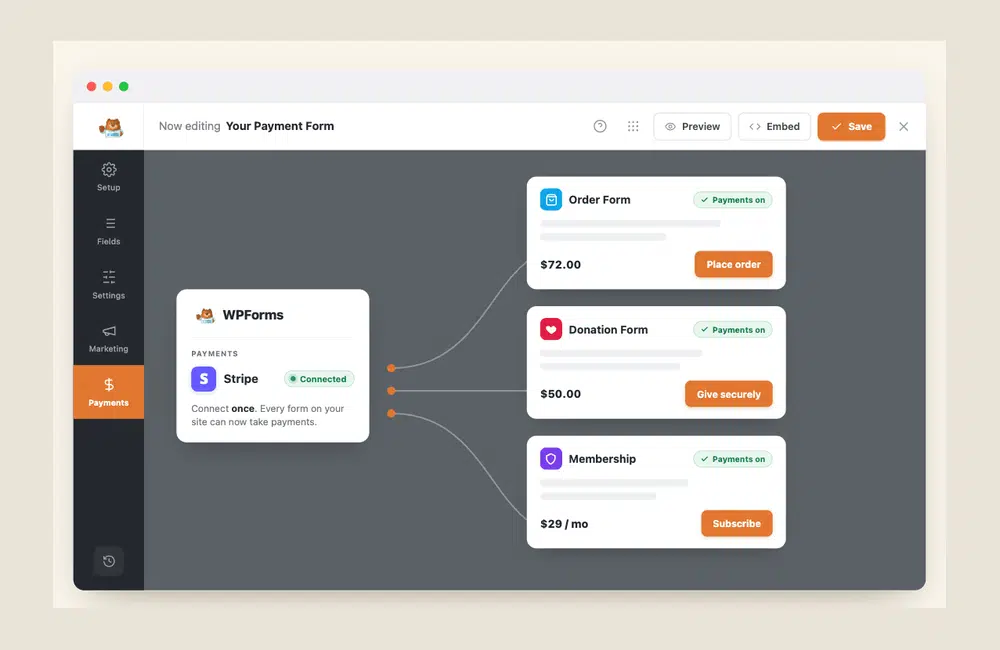
You already build your forms in WPForms. Payments run in the same plugin, so there is no separate checkout tool to set up, log into, or subscribe to. Connect Stripe once, and every form on your site can accept payments.

One Stripe connection in WPForms powering an order form, donation form, and membership form
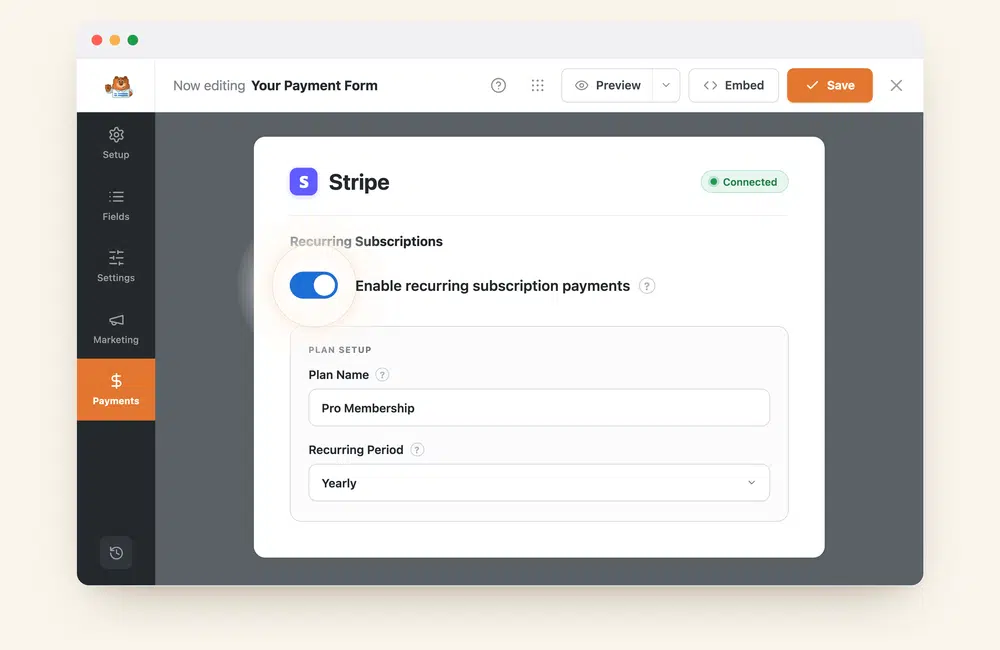
Setting up recurring Stripe subscription payments in the WPForms builder

Get Paid on a Repeating Schedule

Charge customers weekly, monthly, quarterly, or yearly with recurring Stripe payments. It is built for memberships, ongoing donations, and service retainers. Manage every subscriber and every payment from your WordPress dashboard, with no second billing tool to log into.

Keep Every Payment Inside WordPress

Your payment records, customer details, and form entries all live in WordPress. View payment history, issue refunds, and export reports without logging into a separate dashboard. One Stripe connection powers every payment form on your site.

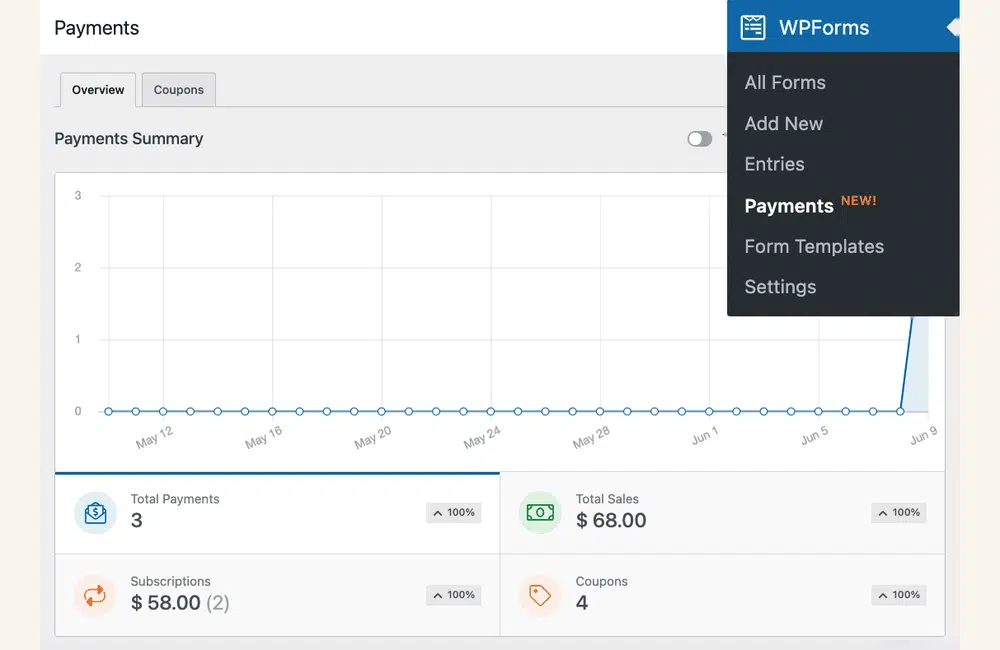
WPForms Payments dashboard inside WordPress showing total payments, sales, and subscriptions
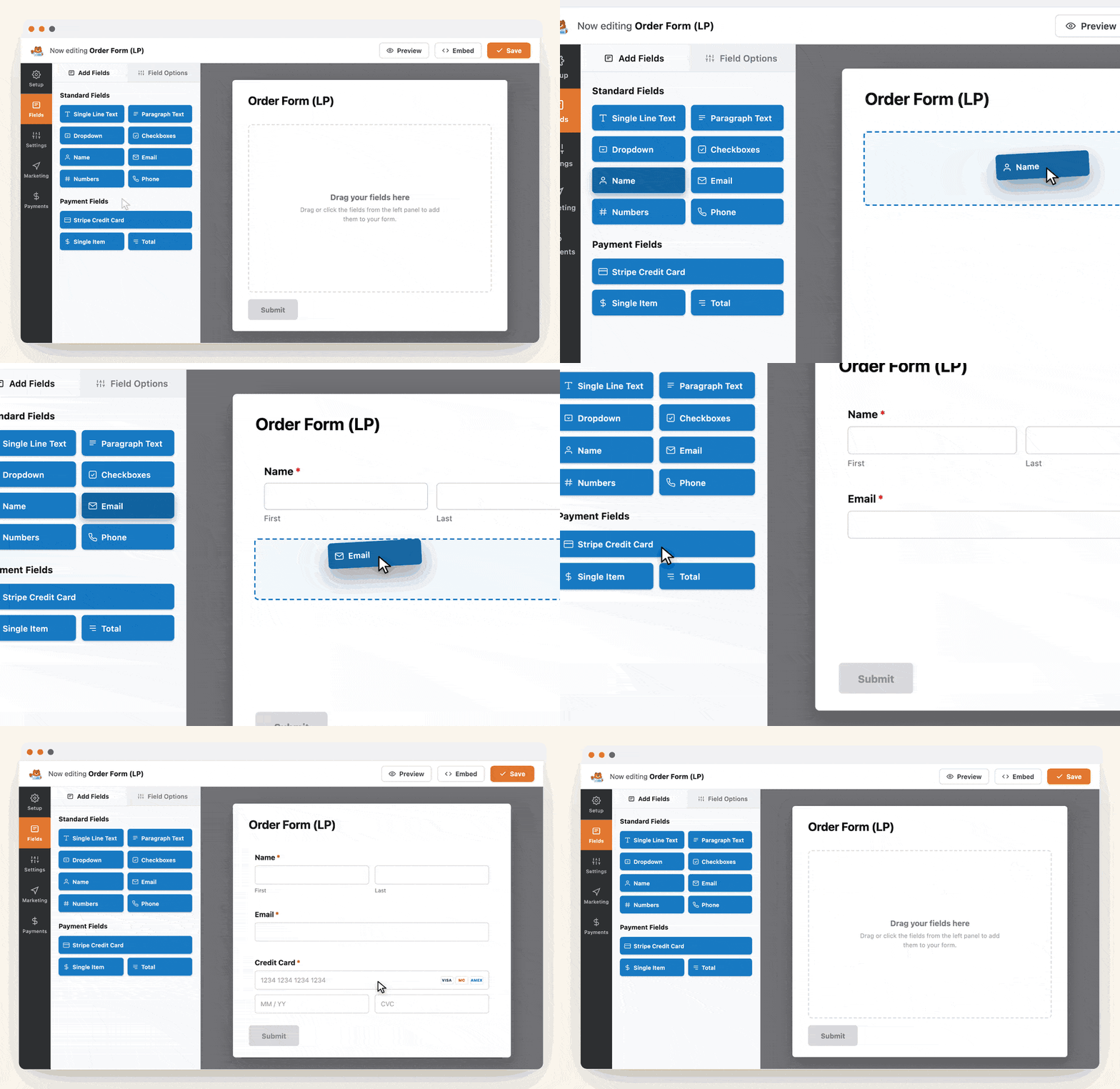
Animated WPForms form builder: dragging Name, Email, and Stripe Credit Card fields into an order form, then saving

Build It in Minutes, Not Days

Add the Stripe field, set your amount, and publish. Smart conditional logic lets you change pricing or show fields based on what people pick, with no code required. Most payment forms go live in under 5 minutes.

See Stripe Payment Forms in Action

Start from 2,100+ ready-made templates. Here are a few you can preview live, no setup required.

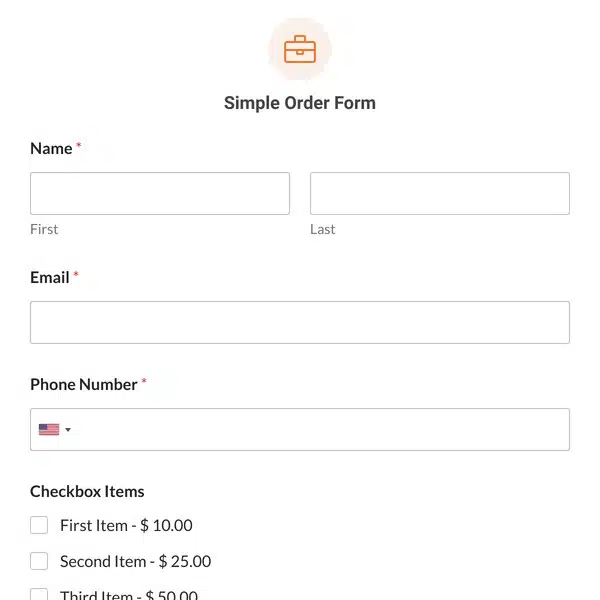
Simple Order Form template preview

Simple Order Form

Sell products or services with a clean order form and instant Stripe checkout.

View Demo →

Annual Recurring Membership Form template preview

Recurring Membership

Charge members on a recurring schedule and manage every subscription inside WordPress.

View Demo →

Food Bank Donation Form template preview

Food Bank Donation Form

Collect one-time or recurring donations with suggested giving amounts.

View Demo →

View all

Frequently Asked Questions

Have questions about accepting Stripe payments on WordPress? We’ve got answers.

How do you add Stripe to a WordPress form?

To add Stripe to a WordPress form, install WPForms, connect your Stripe account once, then drag the Stripe field onto your form and set a price. WPForms processes the payment through Stripe and records it in your WordPress dashboard. Most payment forms go live in under 5 minutes, with no code required. See the Stripe addon setup guide.

Can you accept Stripe payments on the free version of WPForms?

Yes. WPForms Lite, the free version, accepts Stripe payments with a 3% WPForms fee per transaction on top of Stripe’s standard rate. Upgrading to WPForms Pro ($199.50/year) removes the 3% WPForms fee, so you only pay Stripe’s rate, and adds recurring subscriptions, Apple Pay, Google Pay, and refunds. Here is how to enable Stripe on free WPForms.

Do you need WooCommerce or an online store to accept payments?

No. You do not need WooCommerce or any online store to accept payments in WordPress. A WPForms Stripe payment form lets you sell a product, collect a deposit, or accept a donation from a single form, without building an ecommerce catalog or cart. It is the simplest way to accept payments without an online store.

Can you accept recurring or subscription payments with Stripe?

Yes. WPForms Stripe payment forms support recurring subscriptions, so you can charge customers weekly, monthly, quarterly, or yearly. Recurring Stripe payments are ideal for memberships, ongoing donations, and service retainers, and you manage every subscriber from your WordPress dashboard. See how to accept recurring payments.

Are WordPress Stripe payments secure and PCI compliant?

Yes. WordPress Stripe payments through WPForms are PCI compliant because card details are sent directly to Stripe and are never stored on your website. Stripe handles the sensitive data and encryption, so your site stays secure and your customers stay protected.

How do you test Stripe payments before going live?

To test Stripe payments before going live, turn on test mode in your WPForms payment settings and submit the form with Stripe’s test card numbers. No real money moves in test mode, so you can confirm the full checkout works first, then switch to live mode. See how to test Stripe payments.

Where are my Stripe payment records stored?

Your Stripe payment records are stored in WordPress, in the WPForms Payments dashboard. You can view every transaction, check payment status, and issue refunds without logging into Stripe separately. Your customer and payment data stays on your own site.

Do Stripe payment forms work on mobile?

Yes. Every WPForms Stripe payment form is fully responsive and works on phones, tablets, and desktops. Customers can also pay with mobile wallets like Apple Pay and Google Pay, which makes checkout faster on a phone.

What can you sell with a WordPress Stripe payment form?

With a WordPress Stripe payment form you can sell products, take service bookings and deposits, collect one-time or recurring donations, charge membership subscriptions, and accept invoice or event payments. Each one starts from a payment form template you can customize in minutes.

Accept Your First Payment. It’s That Simple.

Join the 6 million+ professionals who use WPForms to accept payments and get paid faster.